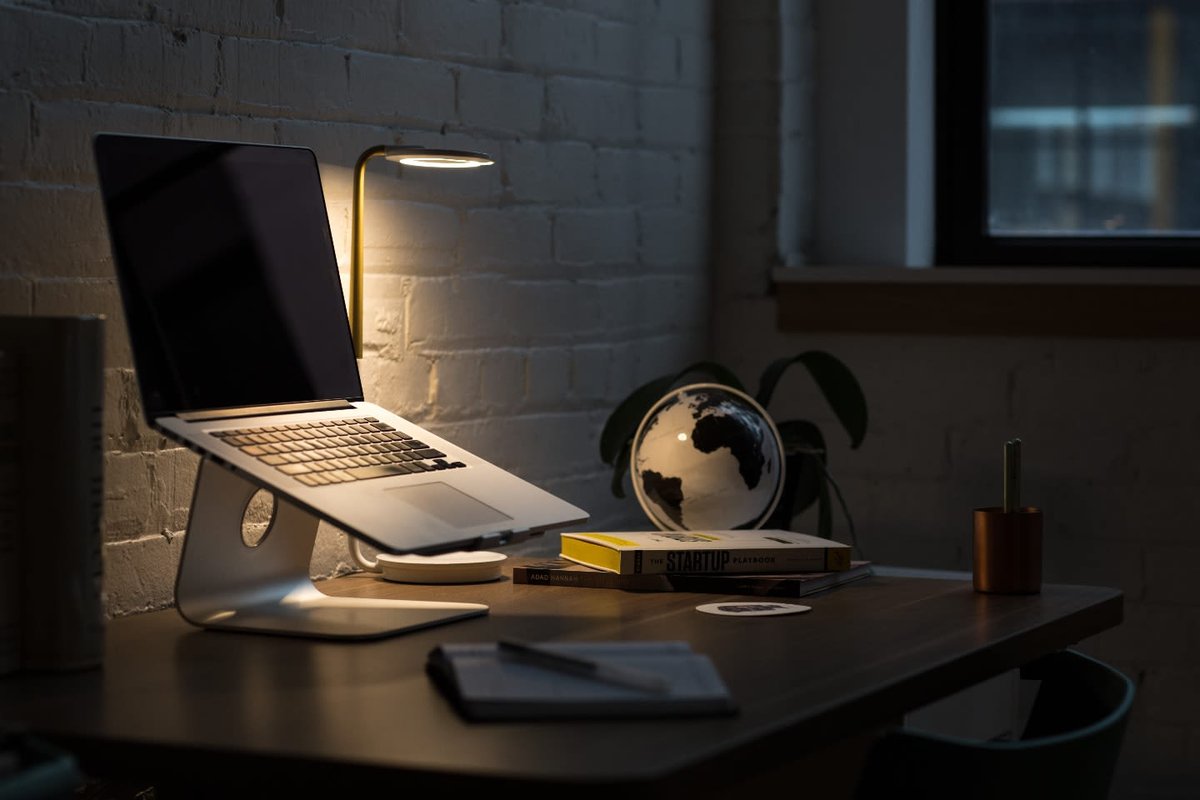
Laptops have become an essential part of modern life. From office work and online classes to entertainment and communication, we depend on laptops every day. Although laptops are designed with advanced technology, they are still delicate devices that need proper care. Many users unknowingly make small mistakes that slowly damage their laptops and reduce their lifespan. Understanding these mistakes and learning how to avoid them can help your laptop last longer and perform better.
This article explains the most common laptop-care mistakes in detail and provides simple ways to prevent them.
Improper Shutdown Habits
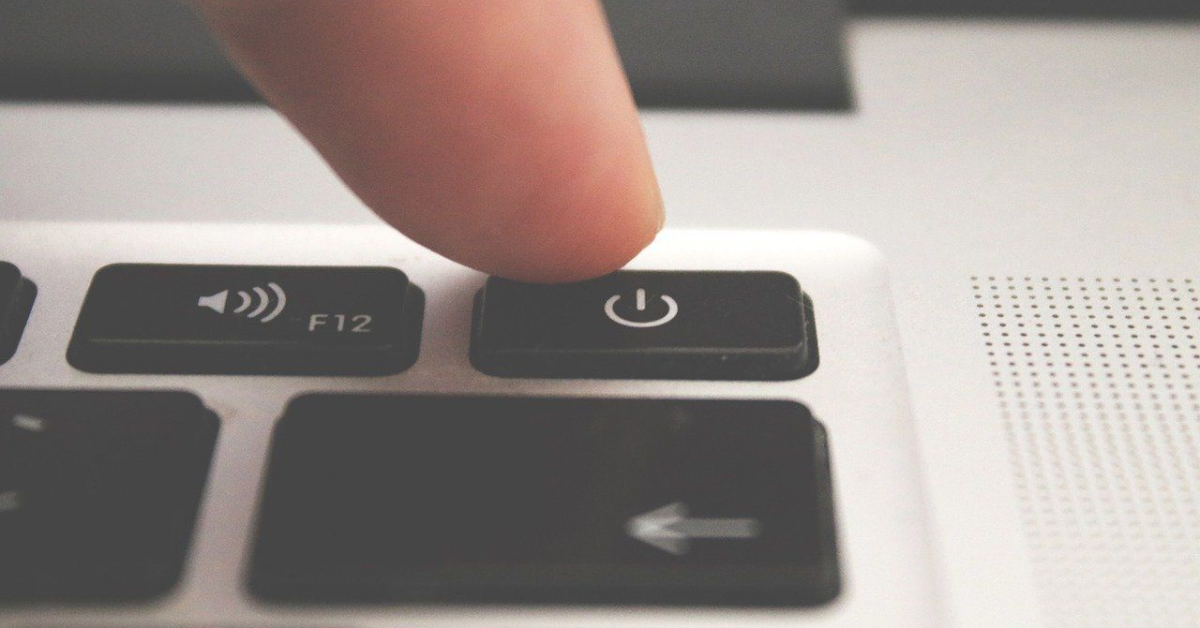
One of the most common mistakes laptop users make is not shutting down the device properly. Many people simply close the laptop lid or hold down the power button to turn it off. While this may seem quick and convenient, it can cause long-term problems.
A proper shutdown allows the operating system to close programs safely, save important files, and protect system settings. When a laptop is turned off suddenly, files may become corrupted, and the hard drive may suffer damage over time. Repeating this habit can slow down the system and lead to serious technical issues.
To avoid these problems, always shut down your laptop using the shutdown option provided by the operating system. Taking a few extra seconds to do this can greatly improve your laptop’s performance and lifespan.
Not Cleaning the Laptop Regularly
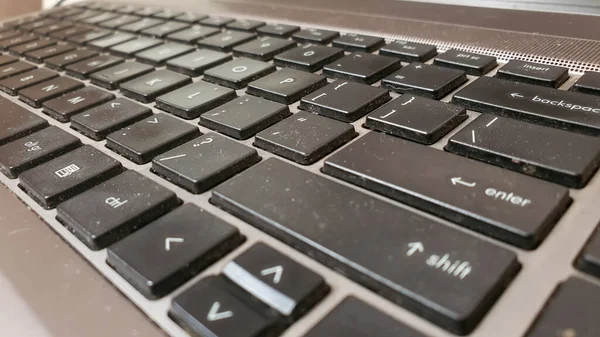
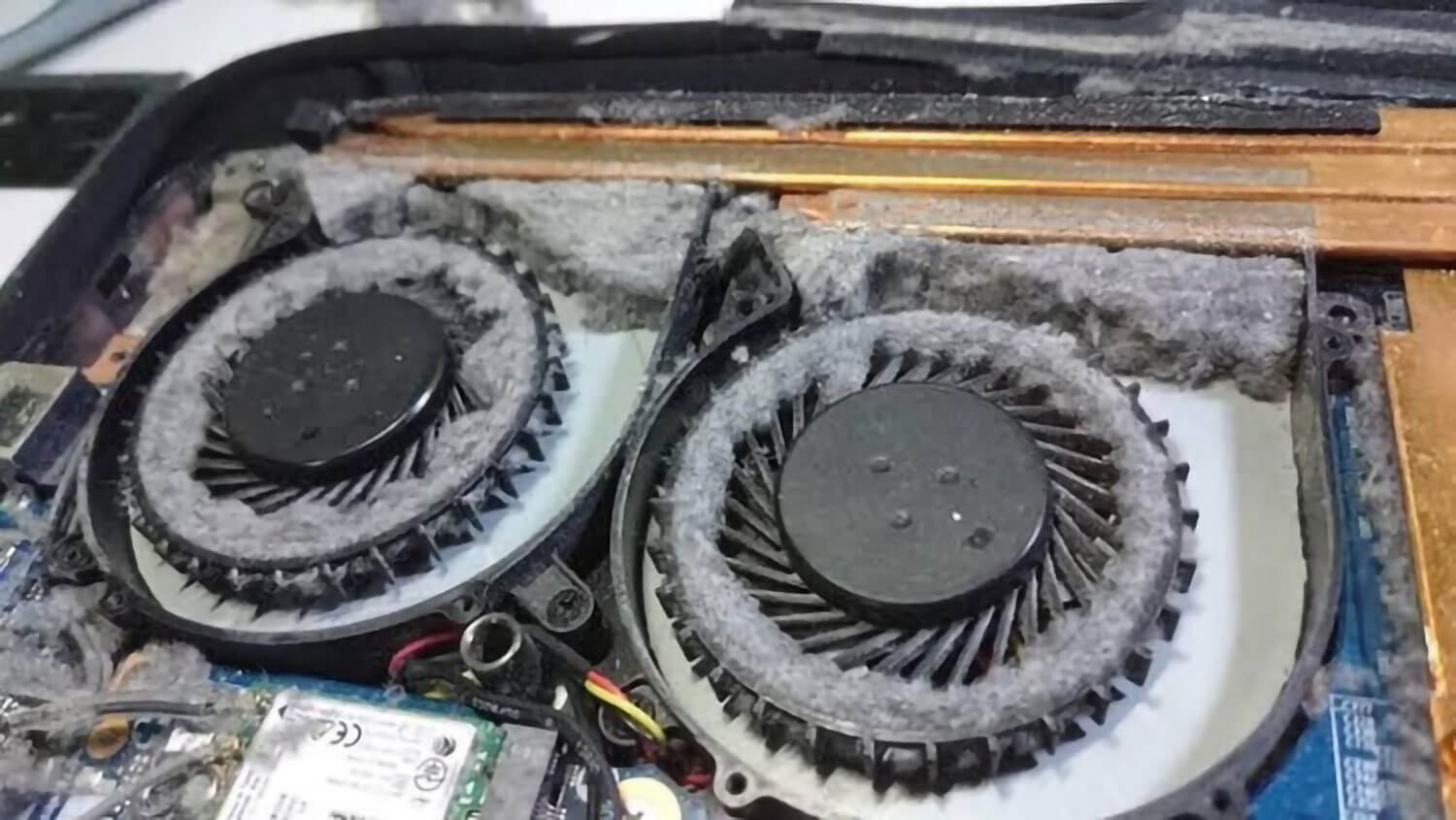
Dust and dirt are silent enemies of electronic devices. When a laptop is not cleaned regularly, dust can collect on the keyboard, screen, and air vents. Over time, this dust can block internal fans and prevent proper airflow.
Blocked airflow causes overheating, which can damage sensitive internal components such as the processor and motherboard. Overheating may also cause the laptop to slow down, freeze, or shut down unexpectedly.
To keep your laptop in good condition, clean it regularly using a soft, lint-free cloth. Compressed air can be used to remove dust from the keyboard and vents. Regular cleaning helps prevent overheating and keeps your laptop running smoothly.
Ignoring Software Updates
Software updates play a very important role in keeping a laptop secure and efficient. These updates include fixes for bugs, improvements in performance, and protection against security threats. Many users ignore update notifications because they seem inconvenient or time-consuming.
However, skipping updates can make your laptop vulnerable to viruses, malware, and hacking attempts. Outdated software can also cause apps to crash or run slowly.
To avoid these issues, regularly update your operating system, drivers, and applications. Keeping software up to date ensures better performance, stronger security, and a more reliable laptop experience.

Not Using a Surge Protector
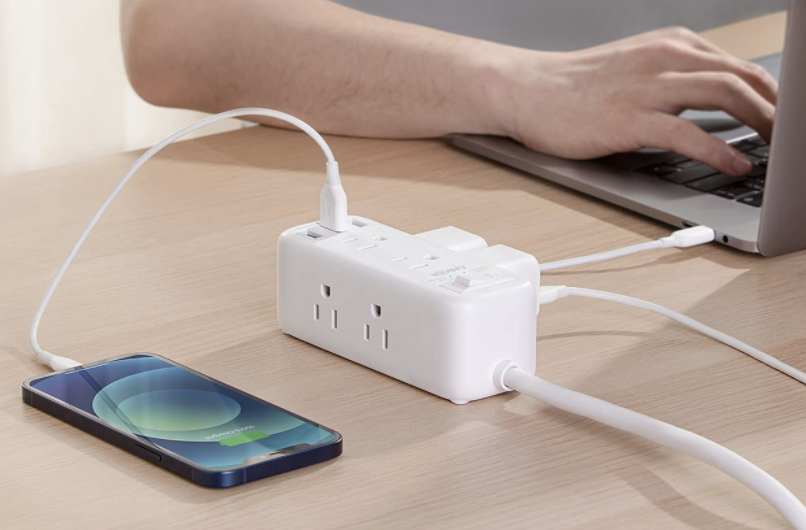
Power problems such as voltage fluctuations and electrical surges can happen without warning, especially during storms or power outages. Plugging a laptop directly into a wall socket without protection can expose it to serious damage.
A sudden power surge can harm internal components like the battery, charger, or motherboard. In some cases, this damage can be permanent and expensive to repair.
Using a good-quality surge protector helps protect your laptop from unexpected power spikes. This small investment can save your device from major damage and extend its lifespan.
Careless Handling
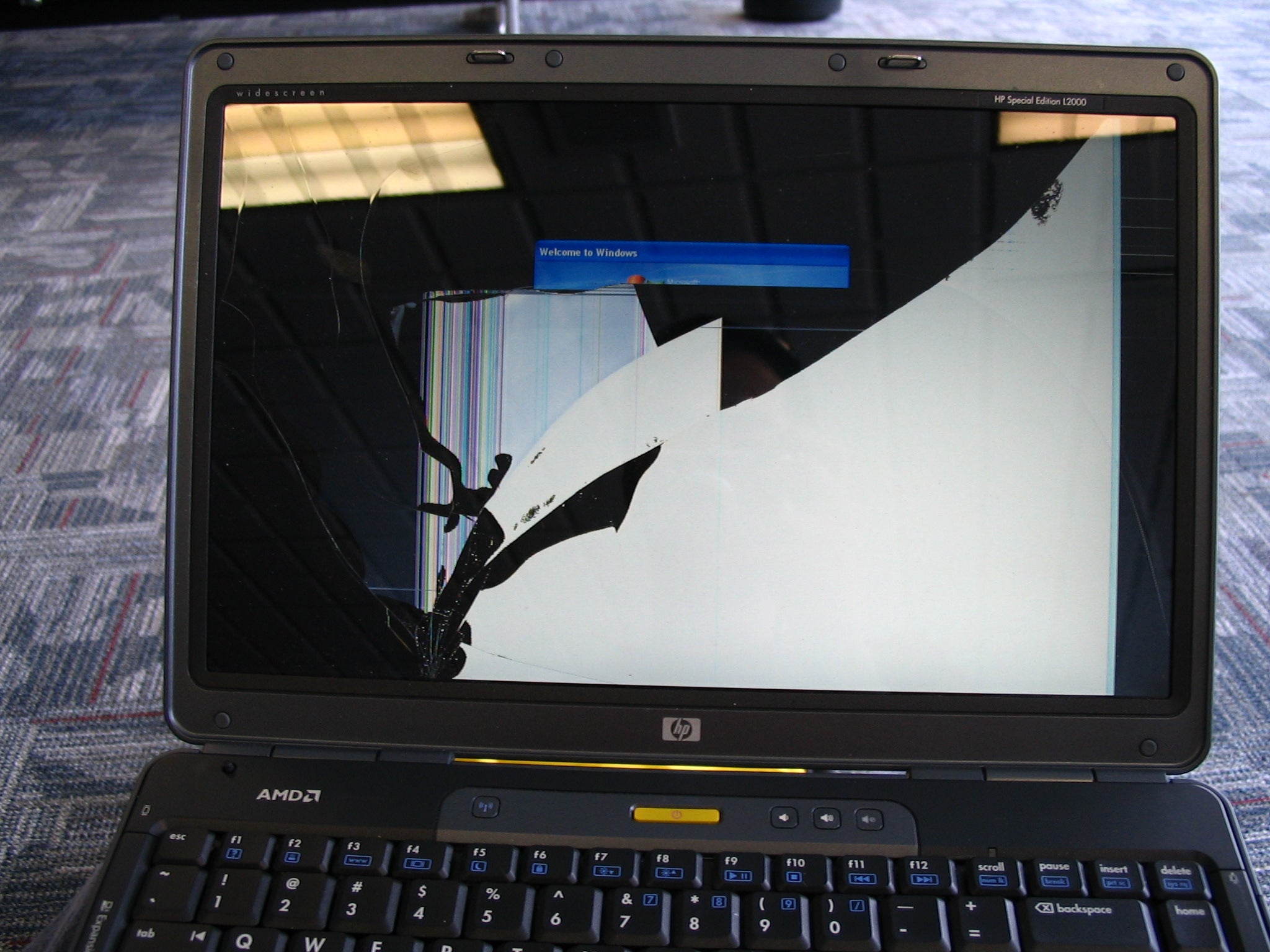
Although laptops are portable, they are not built to withstand rough handling. Dropping a laptop, pressing hard on the keyboard, or placing heavy objects on it can cause physical damage. Cracked screens, damaged hard drives, and bent frames are common results of careless use.
To protect your laptop, always handle it gently. Avoid placing heavy items on top of it, and do not apply pressure while typing or using the touchpad. If you carry your laptop often, using a protective case or padded sleeve is highly recommended.
Careful handling reduces the risk of physical damage and helps keep your laptop in good working condition.
Blocking Proper Ventilation
Laptops produce heat while operating and rely on internal fans and vents to release that heat. When these vents are blocked, the laptop can overheat. Placing a laptop on soft surfaces like beds, sofas, or pillows blocks airflow and traps heat inside.
Continuous overheating can damage internal parts and reduce overall performance. In extreme cases, it may even cause permanent hardware failure.
To prevent overheating, always place your laptop on a hard, flat surface such as a desk or table. Using a cooling pad during long hours of use can also help maintain a safe temperature and improve airflow.
Key Takeaways
Laptops are valuable tools that require proper care and responsible use. Simple mistakes like improper shutdown, poor cleaning habits, ignoring updates, careless handling, and blocking ventilation can significantly shorten a laptop’s life.
By adopting good habits such as shutting down properly, keeping the device clean, updating software regularly, and ensuring proper ventilation, you can greatly extend your laptop’s lifespan. These small steps not only save money on repairs or replacements but also provide a smoother, safer, and more reliable computing experience.